
Littera: SongWriter
Littera: SongWriter
Songwriting companion: find the word, keep the draft, and let the mood pick the reference.
Preview
Overview
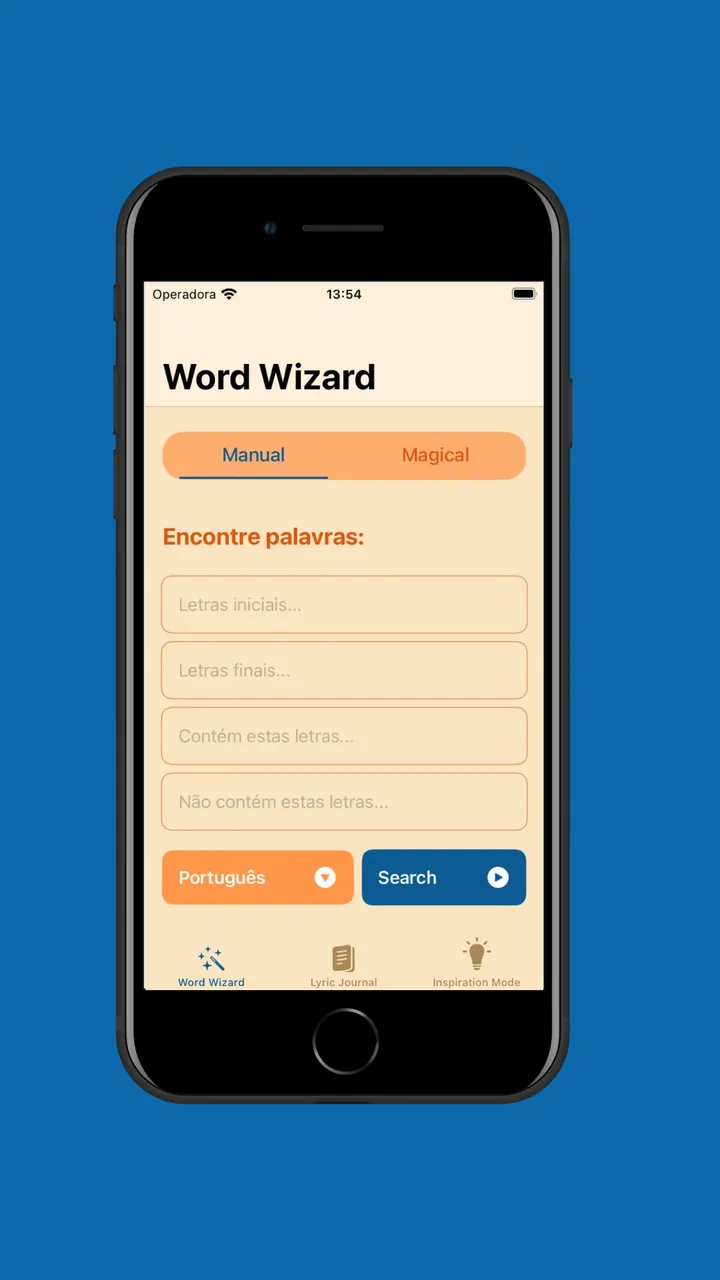
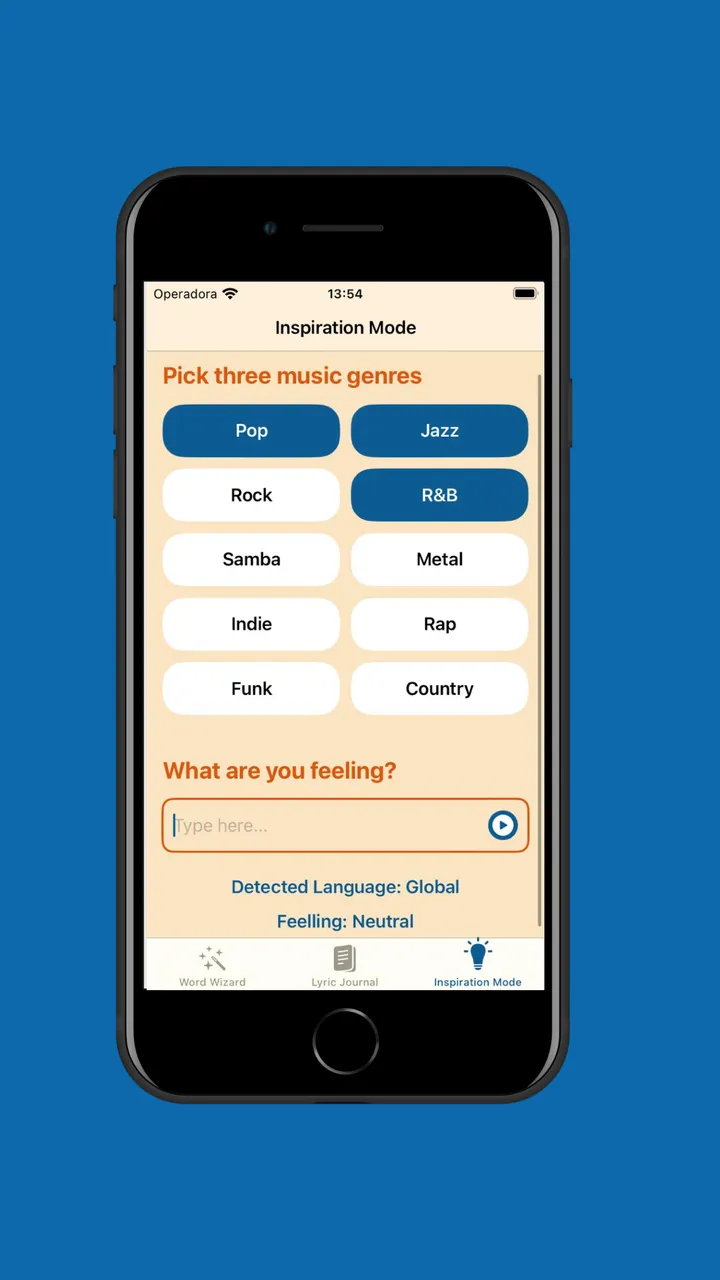
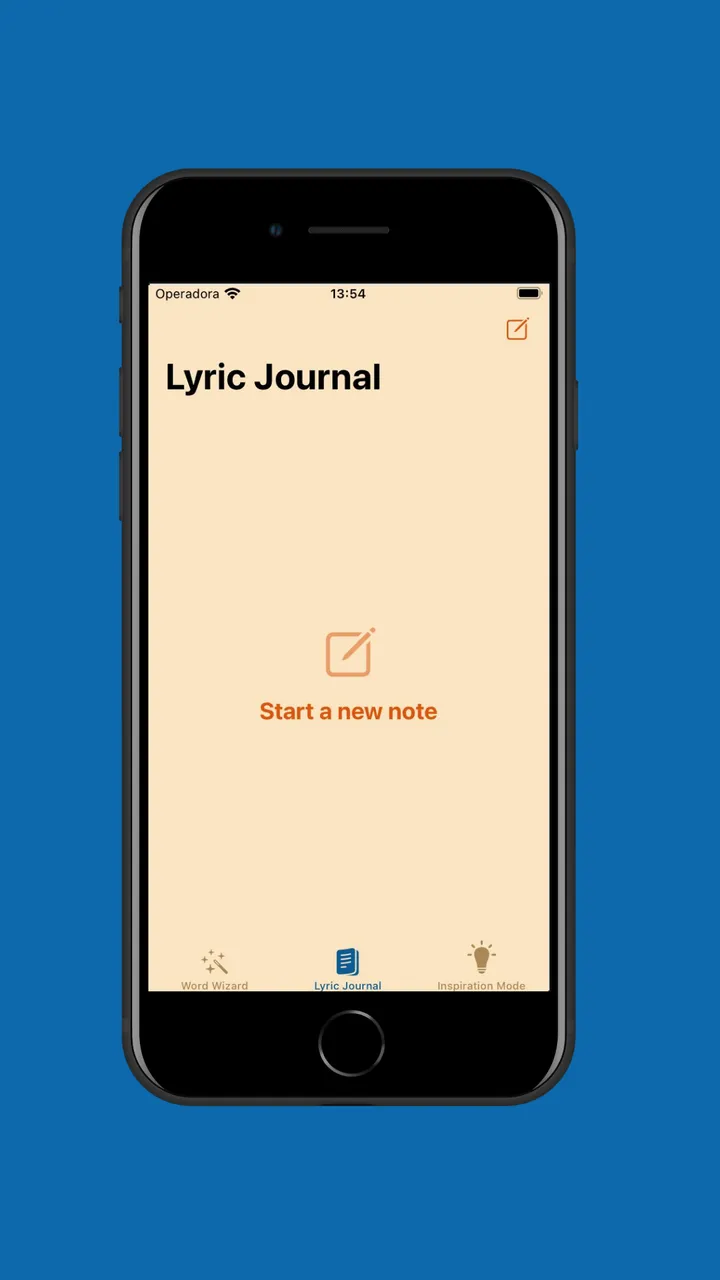
Three tabs, three uses of the same on-device language framework. Word Wizard finds words near the one you have, by meaning or by shape. The journal keeps the drafts. Inspiration mode reads what you wrote, detects its language and its sentiment, and uses that to pick which Apple Music playlists to put in front of you.
Problem
Writing a lyric is two different searches at once: the word that means almost this, and the word that ends in that sound. One is semantic and one is mechanical, and a dictionary only answers the first.
Trade-off
The lexicon is a curated list rather than a full dump of the language, and that came from a build measurement rather than a preference: a dictionary written as Swift source is a dataset the compiler has to chew through on every build, and with four people committing on the same day, iteration speed was worth more than raw recall. The lesson generalises — data belongs in a resource file, not in code.
What it does
Stack
What I took from it
NaturalLanguage carries three separate things worth using — a word embedding, a sentiment tagger and a language recogniser — and chaining the last two is what let a mood become a decision instead of a label on screen.